The recipe generator that starts with your fridge.
Type what you have. Get a dinner your family will actually eat, with steps, timings and swaps for picky eaters.
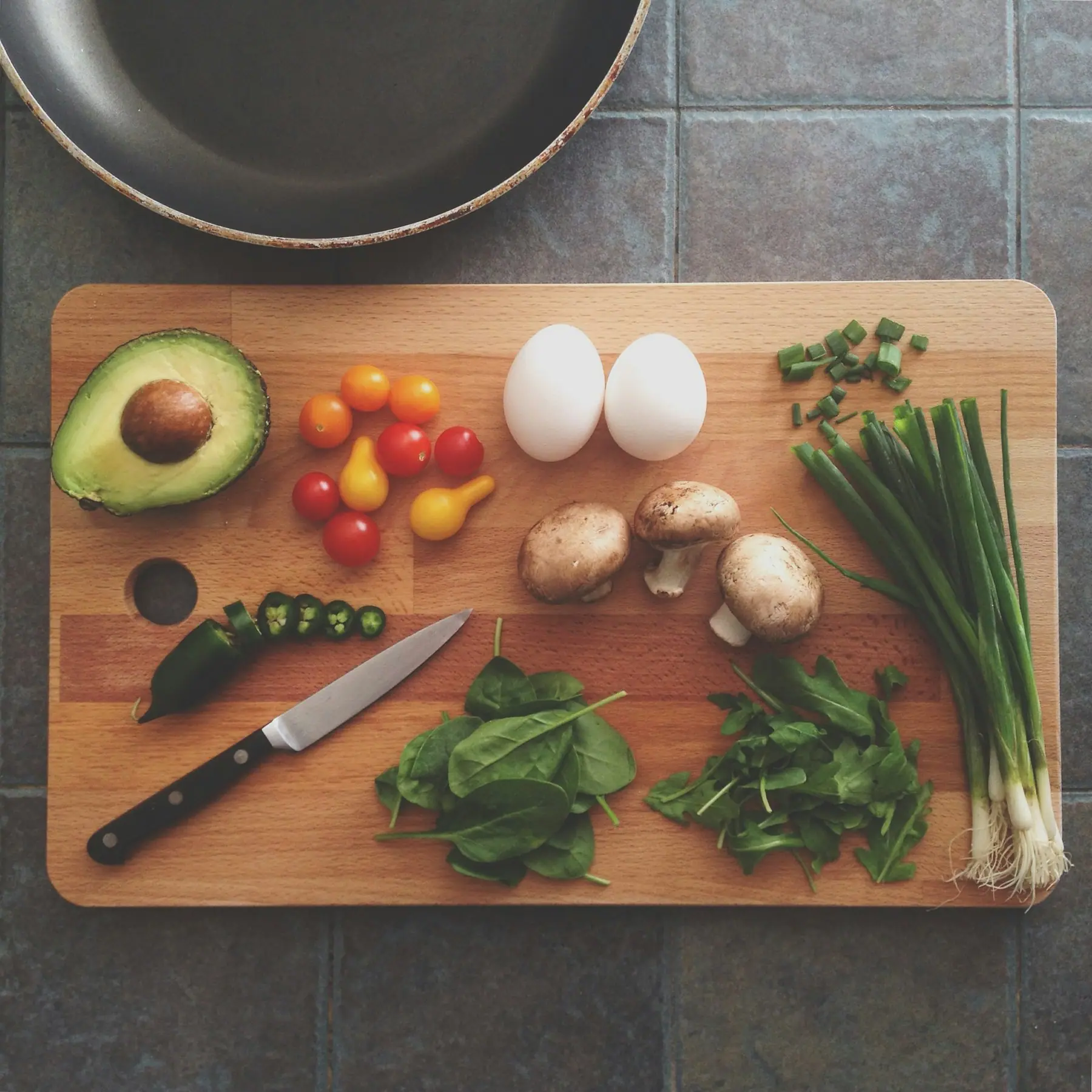
You had chicken, rice, spinach and a lemon
Lemony Chicken and Spinach Rice
- Time
- 35 minutes
- Cleanup
- One pan
- Servings
- Serves 4
- Shopping
- Nothing to buy
Dinner, sorted for the whole week
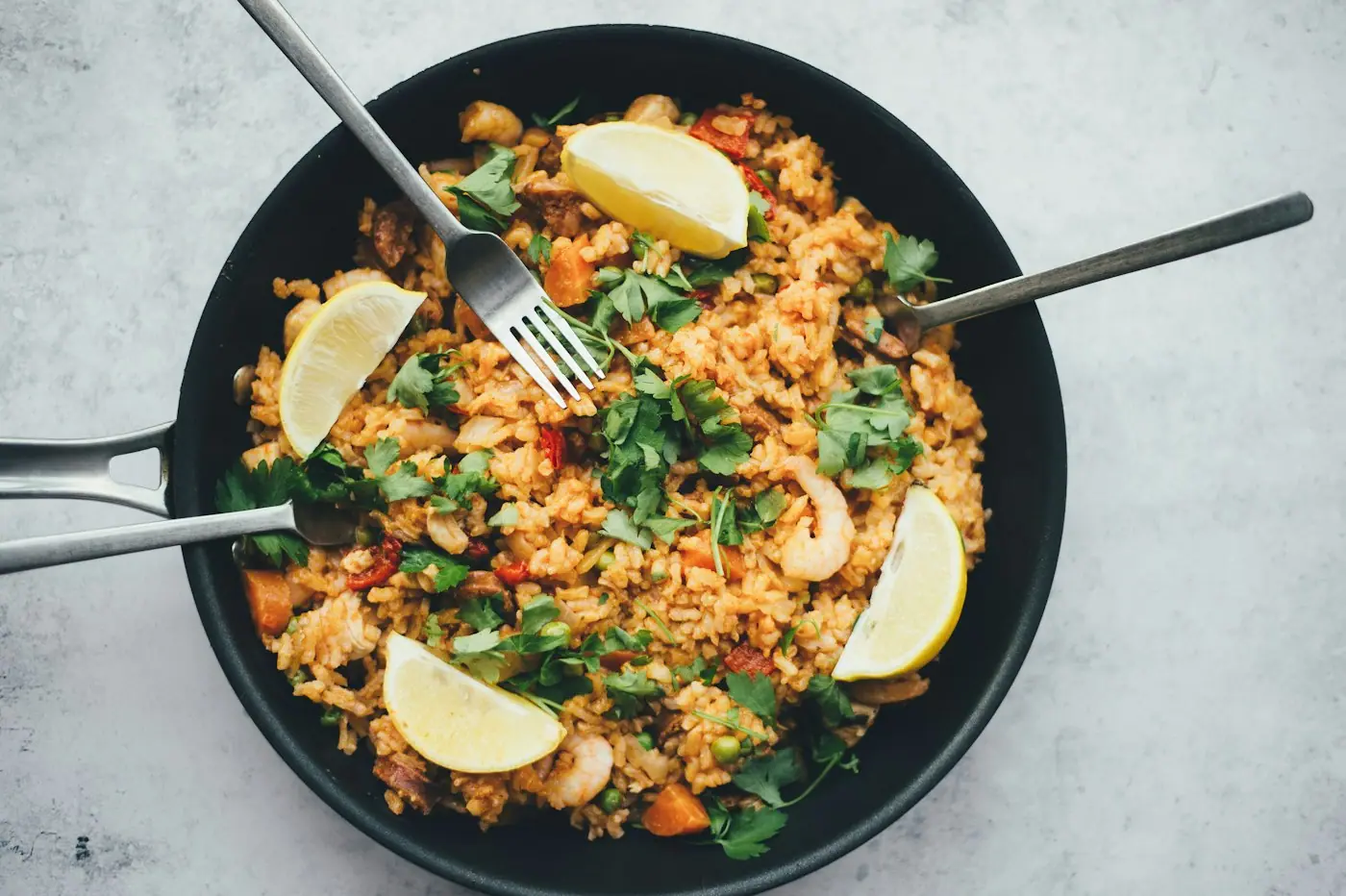
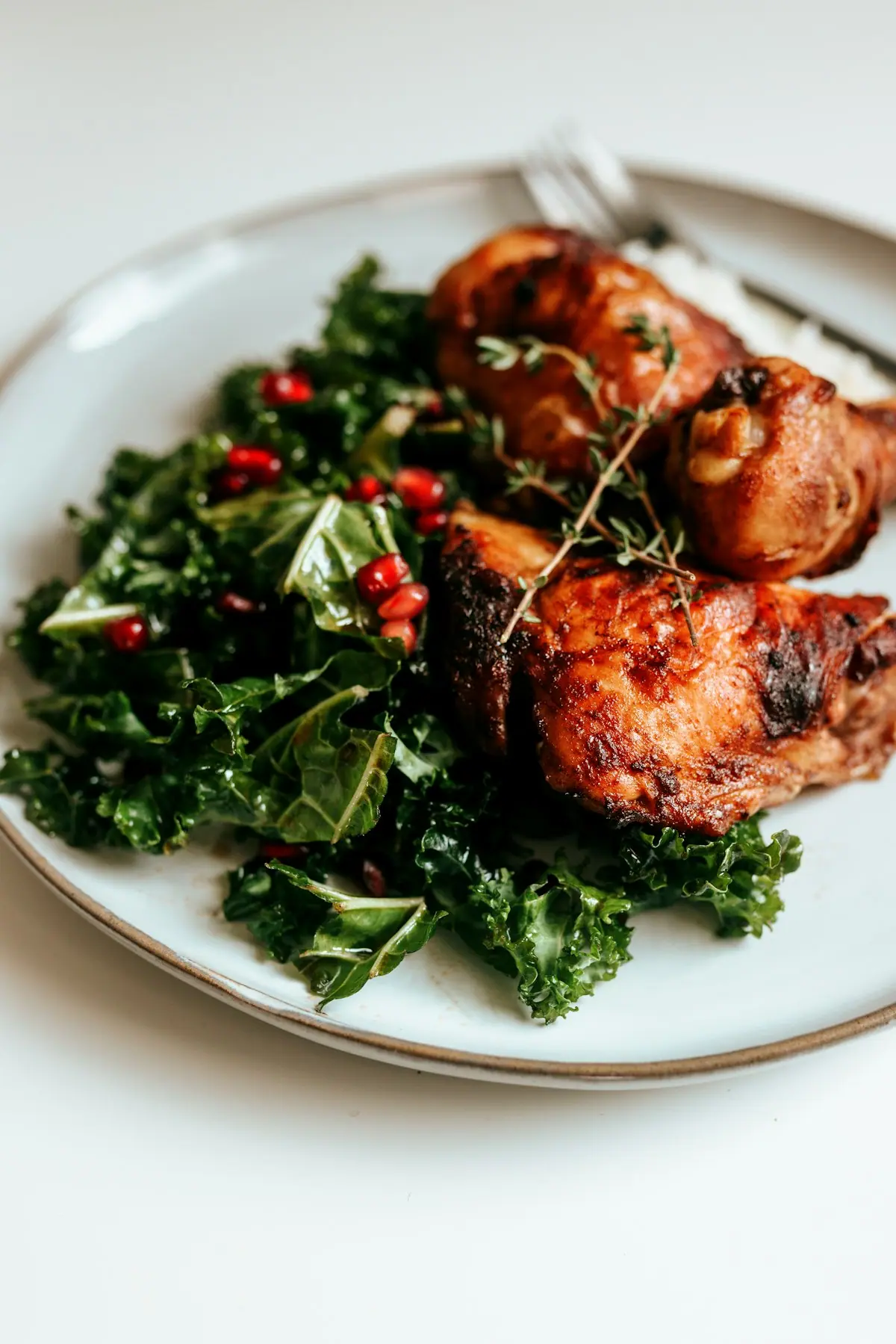
School lunch planner
Five nut-free lunches that use up dinner leftovers, with one grocery list.
Just the recipe
Paste any recipe link and skip the pop-ups and the life story.
A free plan every Saturday
Five family dinners and a grocery list, in your inbox before the weekend shop.
High-protein family dinners
Thirty grams per adult plate from real food, with smaller plates for the kids.
Family protein calculator
How much protein each person needs, from toddlers to the teen who plays soccer.
Feeding a teen athlete
Practice nights, game days, tournament coolers and the 9 p.m. second dinner.
Made for the five o’clock scramble
Built for the parent at the open fridge with twenty minutes and three opinions about dinner.
On every recipe card
- Uses what you already have
- Every ingredient is marked as yours, a pantry staple, or something to buy, so you know before you start whether you need a store run. Or switch on “Only what I have” and skip the store entirely.
- Written for picky eaters too
- Kid-friendly mode keeps flavors mild and adds a note on how to serve it to the cautious ones, like setting aside plain pasta before the sauce goes on.
- Cook mode that keeps your screen on
- One step at a time in big type, with built-in timers that chime. Your phone stays awake while your hands are covered in flour.
- Scales to your table
- Feeding six instead of four? Change the servings and every quantity updates in real kitchen fractions, not 0.6667 cups.
- Careful with allergies
- Gluten-free, dairy-free, nut-free and vegetarian are strict rules, and you can list anything else to leave out.
- Print it, text it, pin it
- Print a clean recipe card for the fridge, text the recipe to whoever is picking up groceries, or save it to Pinterest.
What to make with…
Ideas, storage tips and safe cooking temperatures for the things that are always in the fridge. Pick a word.
- chicken breast
- ground beef
- eggs
- leftover rice
- potatoes
- pasta
- salmon
- ripe bananas
- chickpeas
- tortillas
- ground turkey
- broccoli
- leftover turkey
- rotisserie chicken
- cottage cheese
- cabbage
- greek yogurt
- canned tuna
- lentils
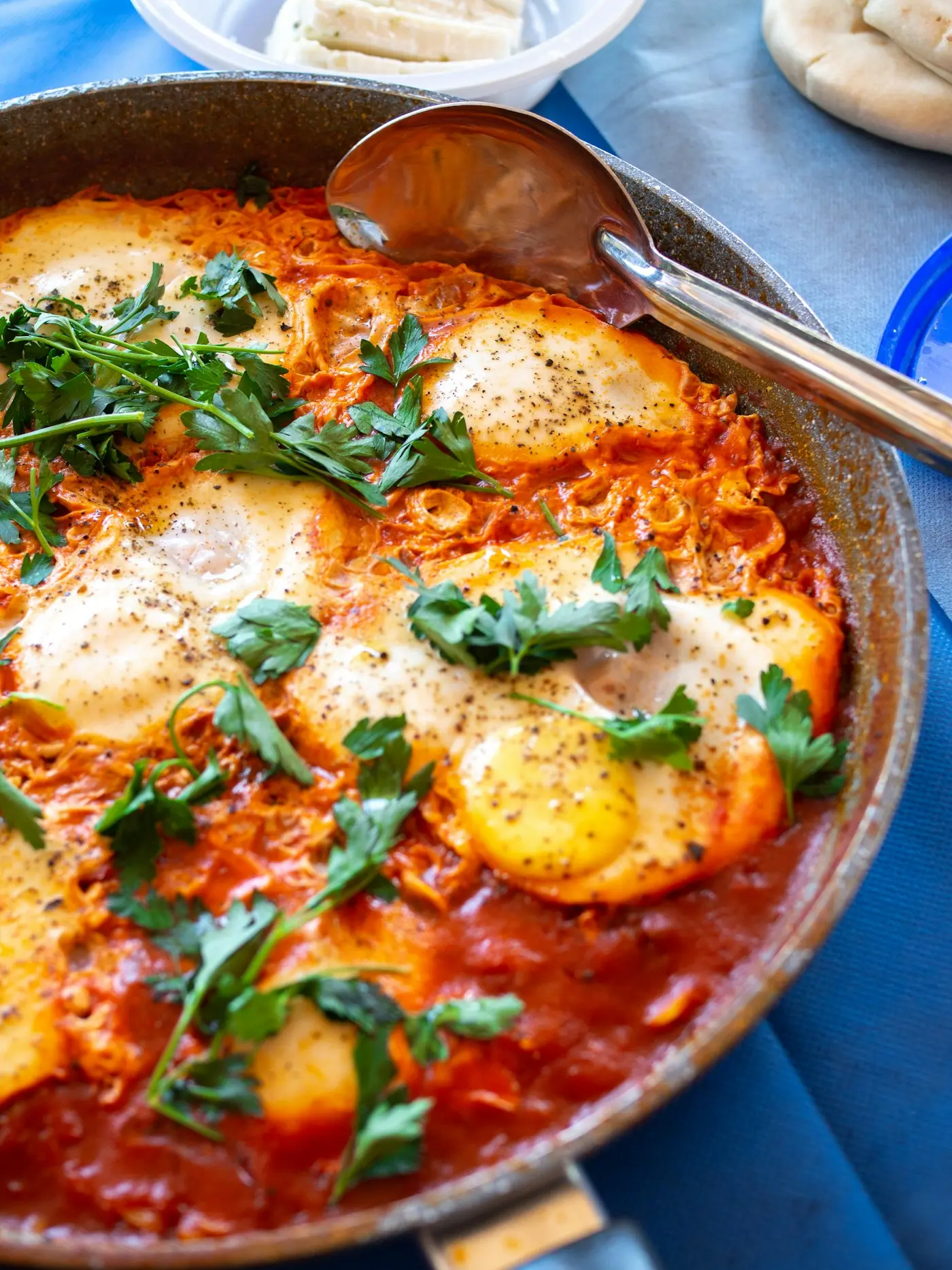
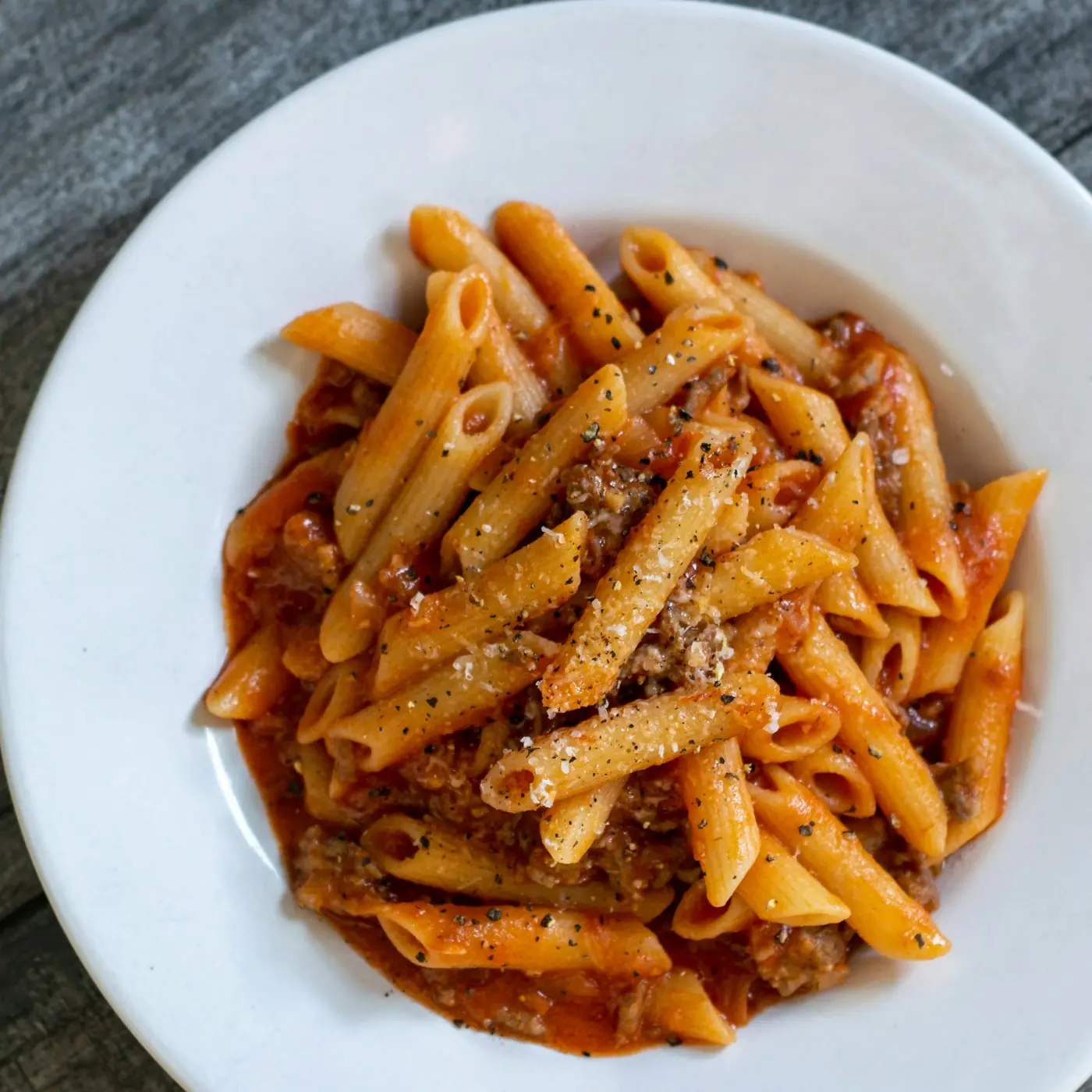
From the kitchen
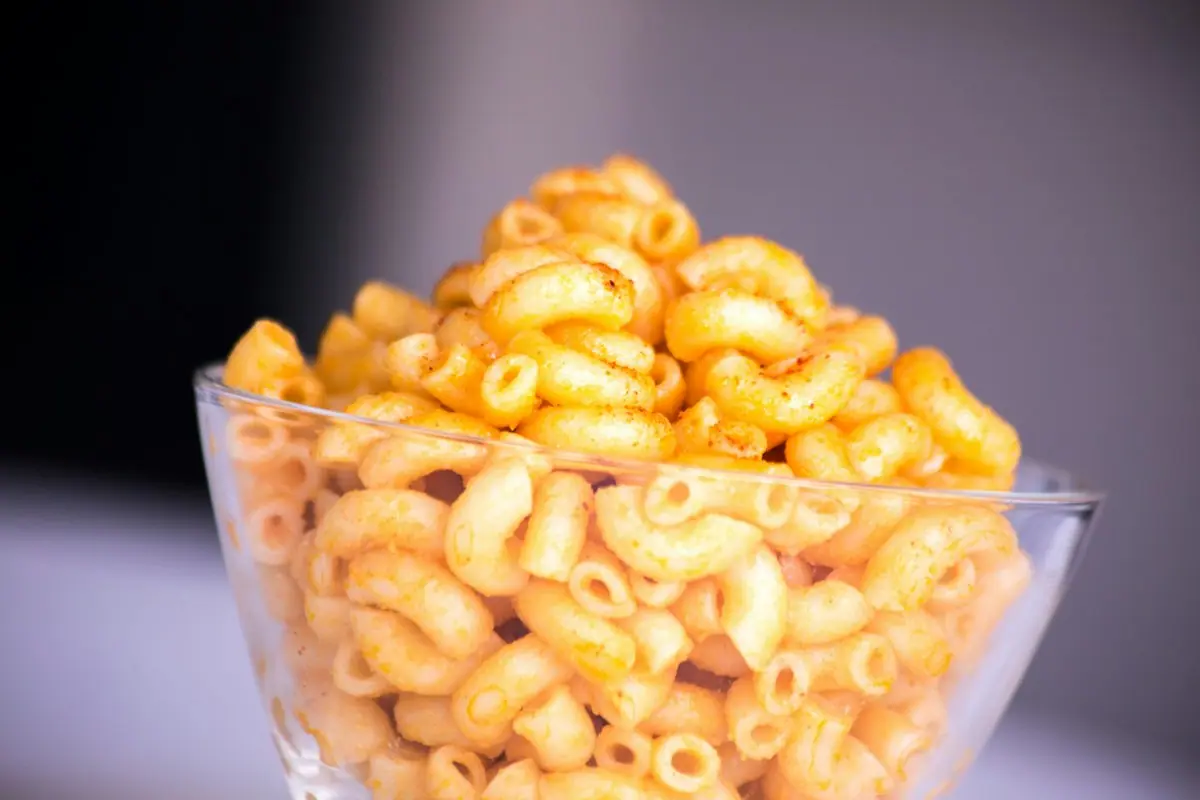
Dinners for Picky Eaters
No more cooking three dinners. Build meals with a safe food on every plate and let kids assemble their own.
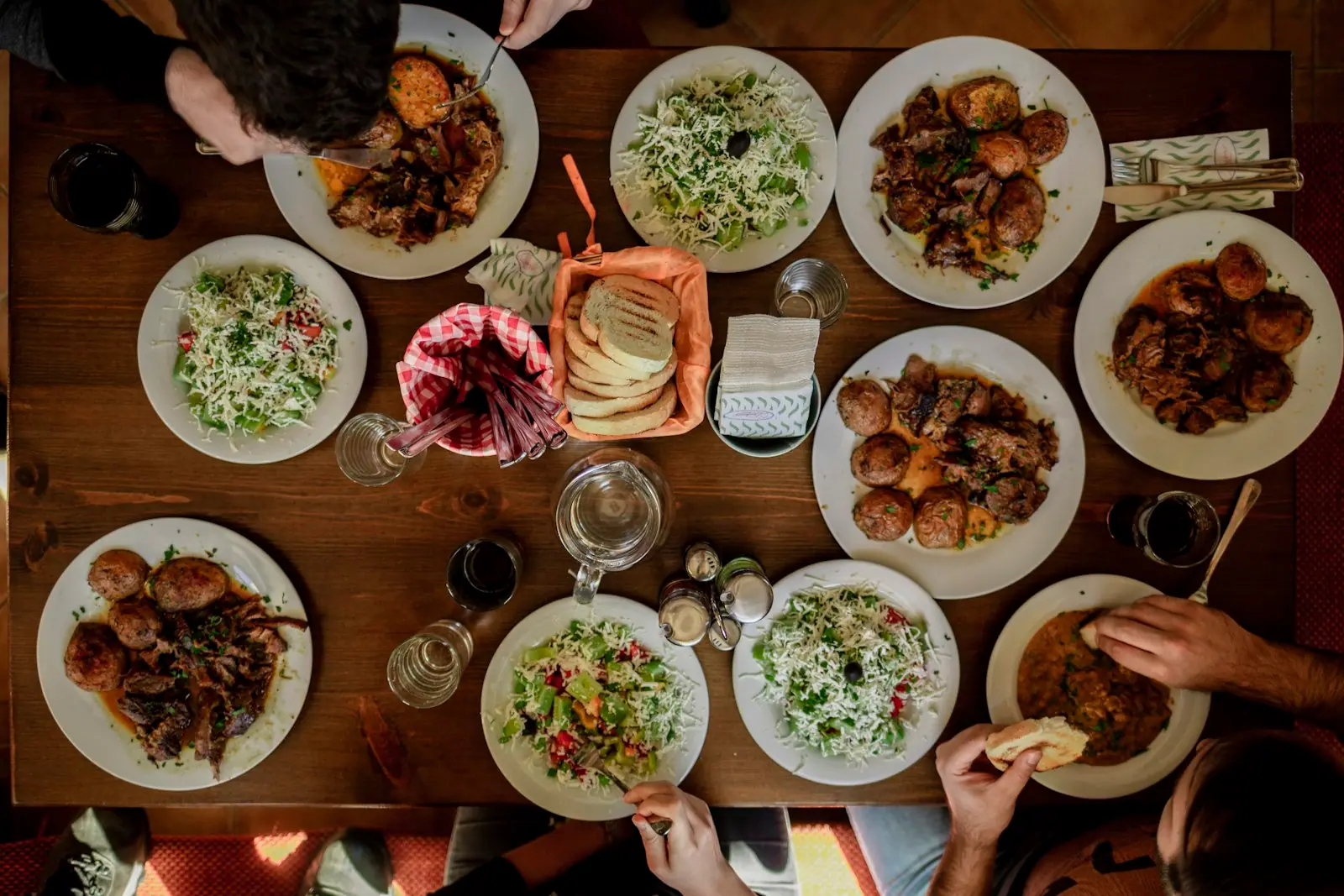 How to Meal Plan for a FamilyPick five dinners, share ingredients across nights, shop once, prep two things. That is the whole system.
 Feeding a Teen AthleteBefore practice, after practice and on game day, without cooking a second dinner every night.
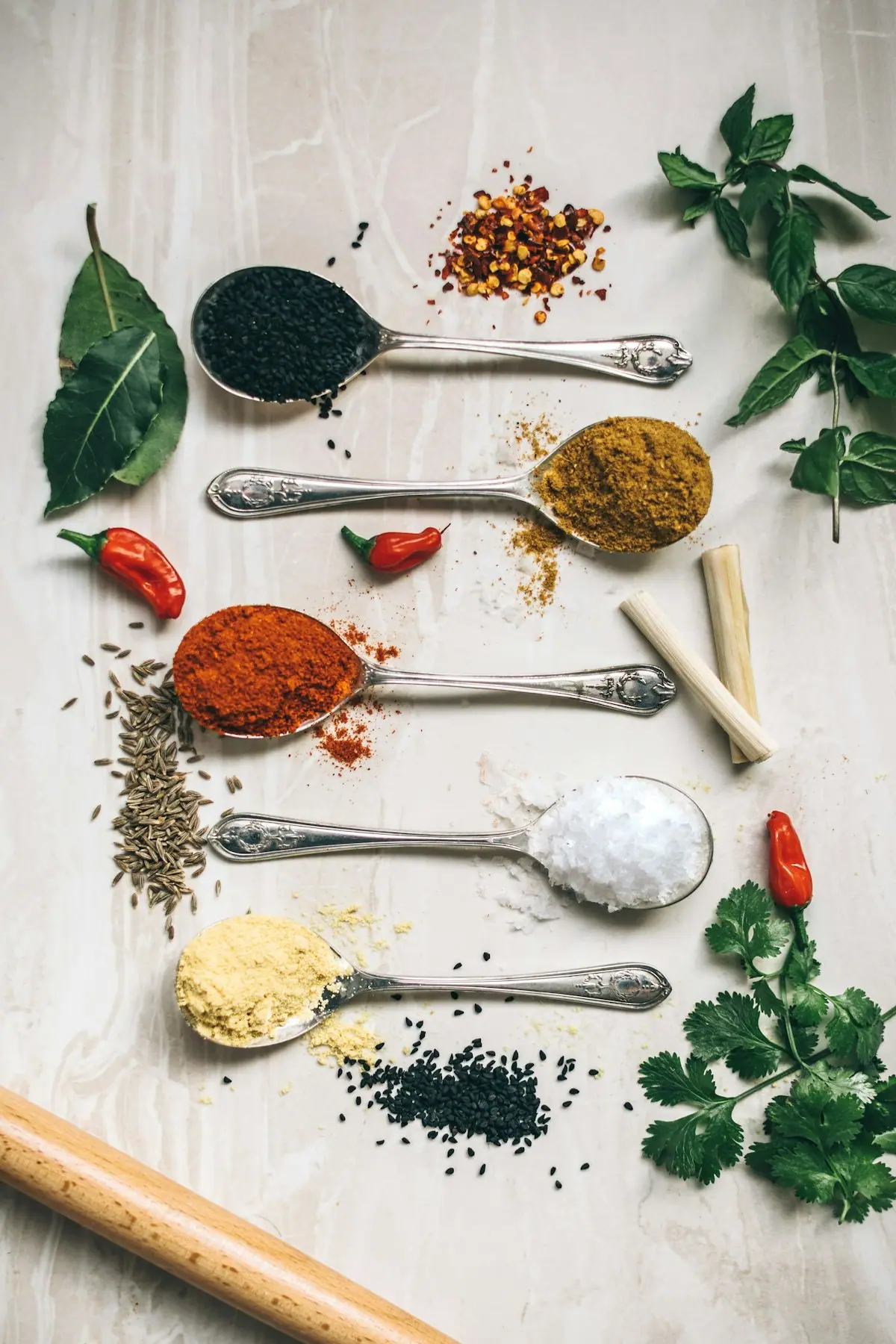 The Pantry Staples List That Makes Dinner Possible Any NightKeep these on hand and you can always make dinner, even when the fridge looks empty.
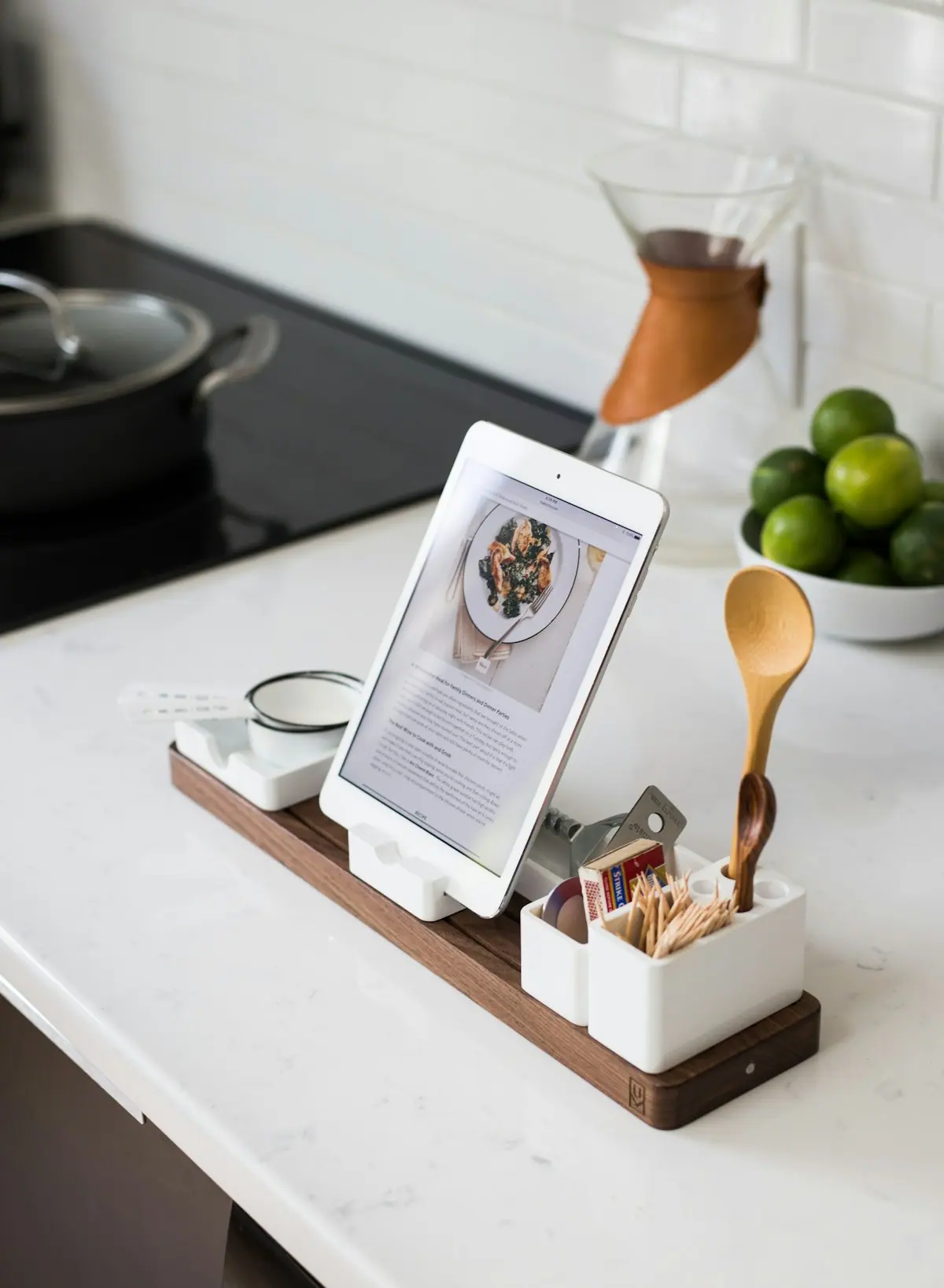 How to Use an AI Recipe Generator (and Get Dinners That Actually Work)What to type, how to handle allergies, and how to sanity-check an AI recipe before you start cooking.
Questions people ask
What is an AI recipe generator?
An AI recipe generator writes a complete recipe around the ingredients you already have. You type what is in your fridge, and it returns a dish with quantities, timings and step-by-step instructions, adjusted for your servings, time and dietary needs.
How do I make a recipe from ingredients I already have?
Type each ingredient into the box at the top of this page, choose any preferences such as kid-friendly or 30 minutes, and select Make my recipe. Turn on “Only what I have” if you do not want to shop; the recipe will use your ingredients plus common pantry staples.
Is Create & Cook free? Do I need an account?
Yes, it is free, and you do not need an account. You can generate recipes, plan a week of dinners or school lunches, share grocery lists, print recipes and save favorites to a recipe box. An optional Plus subscription adds a family profile and a personal dinner plan by email every week.
Can it handle allergies and picky eaters?
Yes. Turn on gluten-free, dairy-free, nut-free or vegetarian, and type anything else to leave out. Kid-friendly mode keeps flavors mild and adds a note on serving the dish to picky eaters. Always check product labels for allergens yourself.
Are AI-generated recipes safe to cook?
They are written for everyday home cooking and include safe internal temperatures for meat: 165°F for poultry, 160°F for ground meat, and 145°F for pork and fish. Read the recipe through before you start and use your judgment, as you would with any recipe.
How is this different from Supercook?
Supercook searches a database of existing recipes for ones that match your ingredients. Create & Cook writes a new recipe for your exact ingredients, servings and dietary needs, and labels what you have, what is a pantry staple and what you would need to buy.
Can I save, print or share a recipe?
Yes. Save any recipe to your recipe box, print it as a clean recipe card, share a link by text, or pin it to Pinterest. Cook mode shows one step at a time in large type and keeps your screen awake while you cook.